Image
scripton.show
The multi-purpose show function supports displaying images. For images, the concrete parameters are:
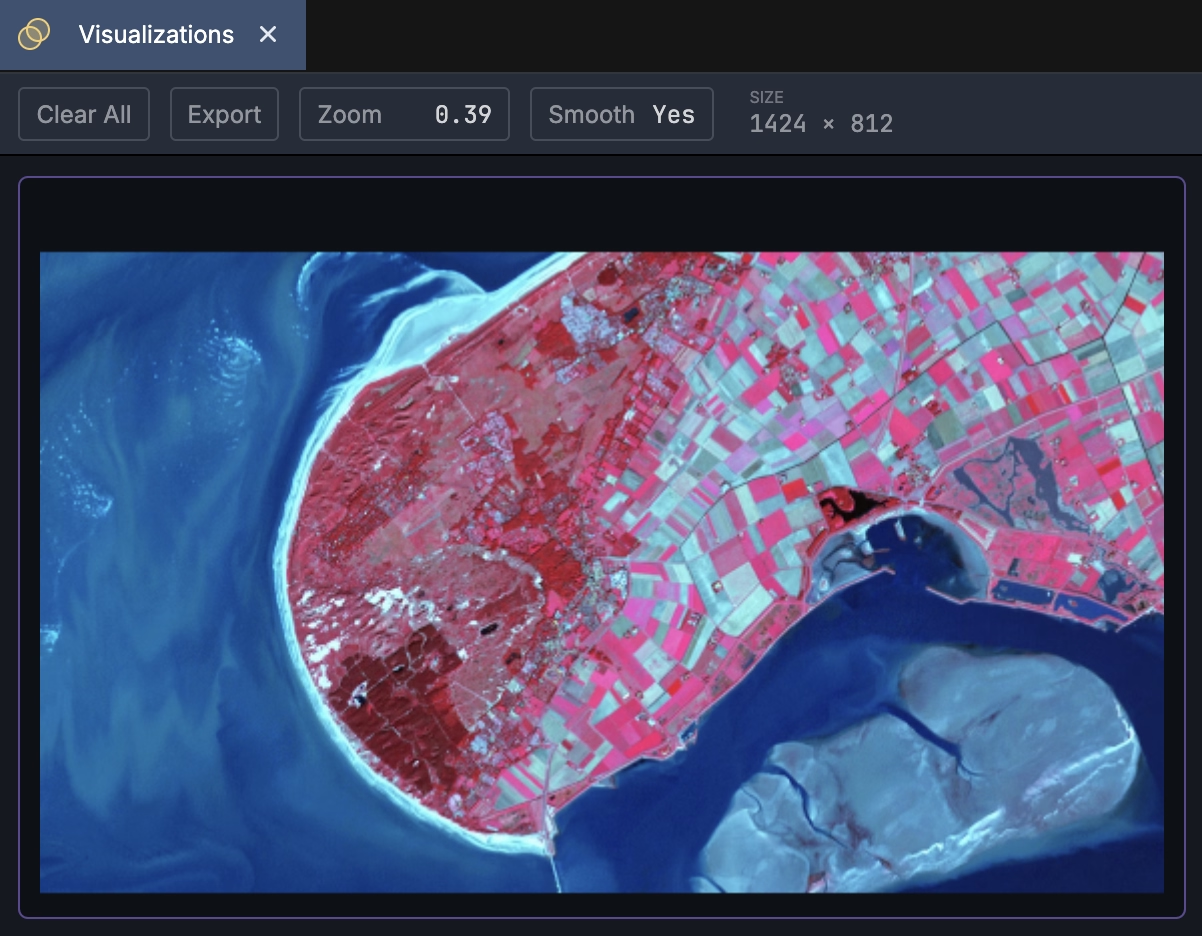
In its simplest form, just invoke show with an image:
Supported Formats
The show function automatically determines how to display the given argument based on its type and attributes. The following types are supported and interpreted as images:
Instances
PIL.Image.Imageas shown in the example above.3D NumPy
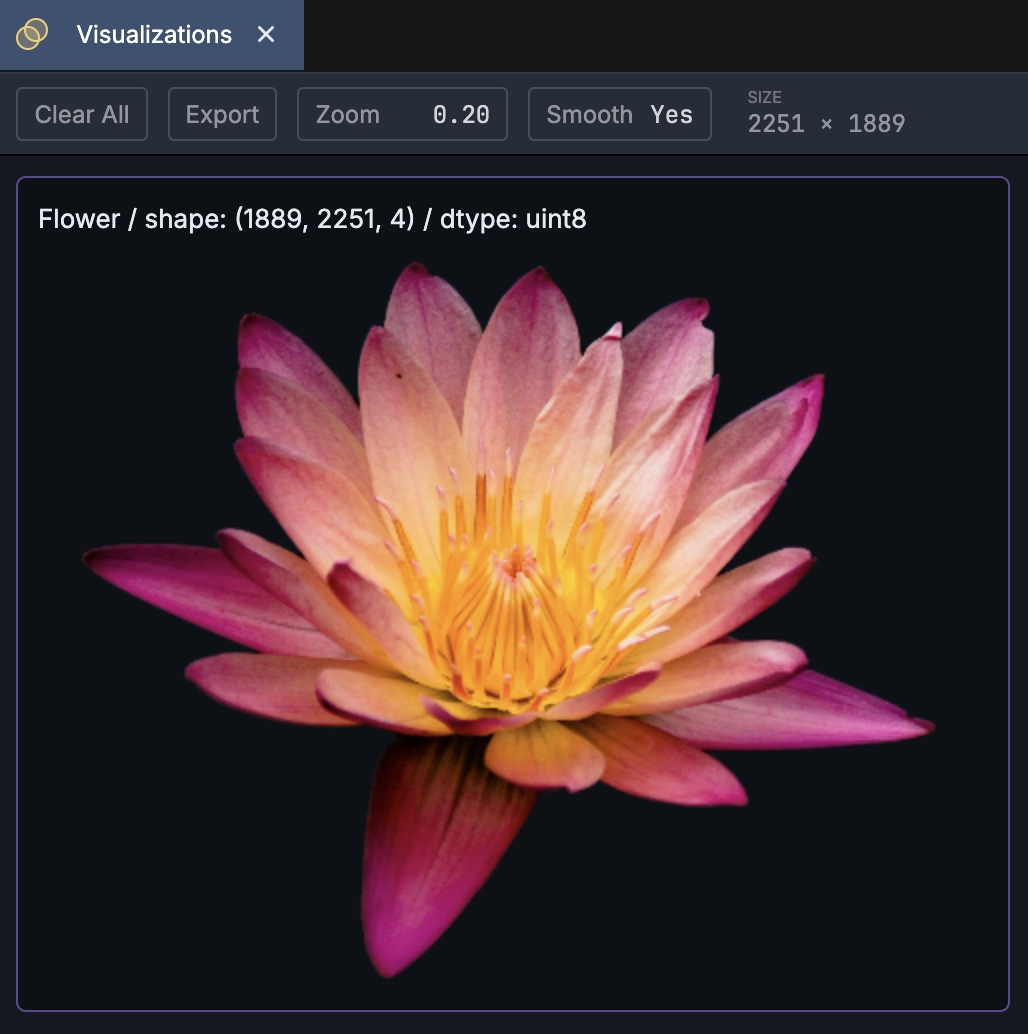
uint8arrays where the final dimension is either3(interpreted asRGBchannel ordering) or4(interpreted asRGBA)from scripton import show from imageio import v3 as iio img = iio.imread('flower.png') show( img, title=f'Flower / shape: {img.shape} / dtype: {img.dtype}' )For displaying single channel grayscale images stored as numpy matrices, the easiest option is to treat it as a colormapped matrix with a grayscale colormap.
OpenCV Support
OpenCV's imread functions return regular numpy arrays which are supported by Scripton's show function as described above. However, an important deviation here is that OpenCV uses the BGR channel ordering by default (in contrast to the RGB ordering assumed by show).
There are two ways to deal with this BGR vs RGB issue. First, Scripton directly supports OpenCV's imshow function which assumes BGR ordering by default. So, the following works as expected:
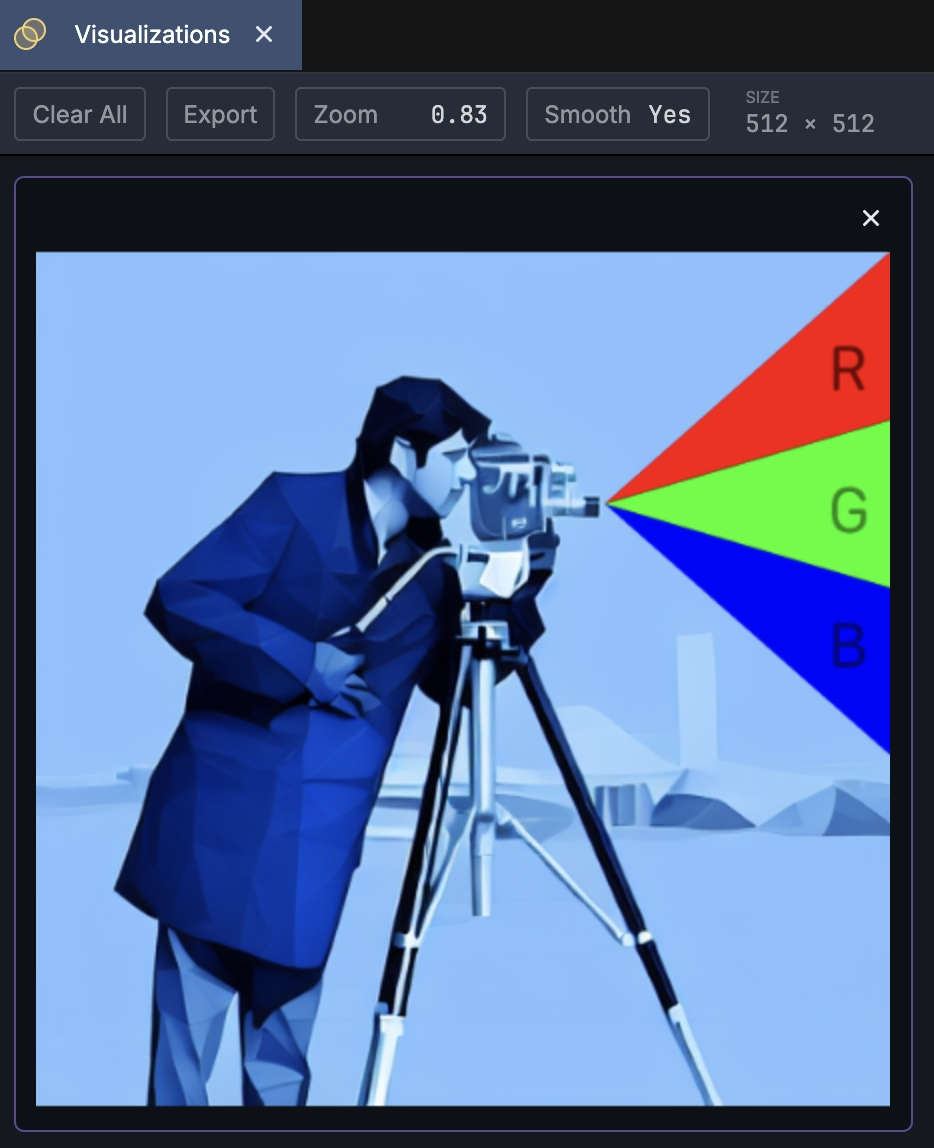
Alternatively, the show function accepts an optional bgr boolean argument that can be set to True: